Minecraft Chess - Chess Valley
The Short Answer
Can You Play Chess in Minecraft?
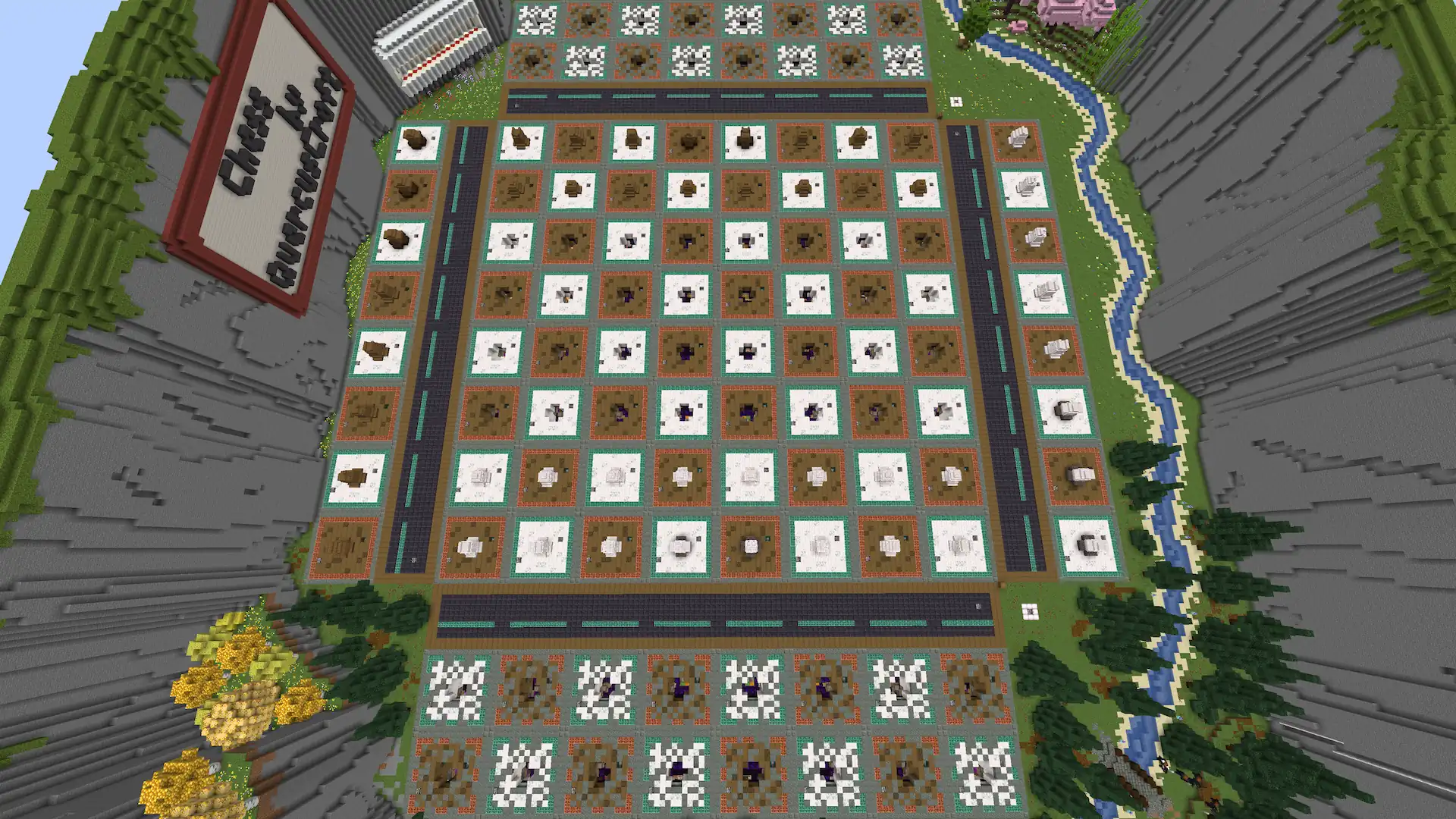
Yes. Chess Valley is a full, playable game of chess running in vanilla Minecraft — no mods, no plugins, no command blocks and no datapacks. Every piece physically moves across the board on redstone.
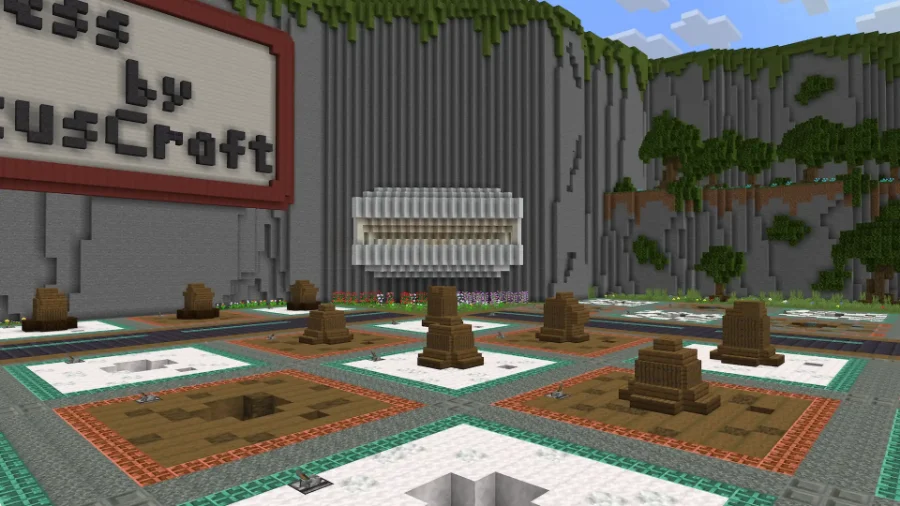
Captured pieces are sent to a graveyard behind each end of the board, pawns reaching the far side can promote to a queen, rook or bishop, and a single button resets the board for the next game. The pieces are four blocks wide, centred on 2×2 honey-slime tiles.
The world is a free download for Minecraft 1.21.10, with an in-world manual at spawn covering every rule.
Introduction
Over a Month in the Making
Chess Valley took more than a month of dedicated, often obsessive work to bring to life. The chess mechanics alone — building a fully functional game of chess inside vanilla Minecraft, complete with a graveyard for captured pieces, pawn promotion capabilities, and an auto-reset button — consumed over four weeks of late nights and relentless iterations. I wanted to prioritize making the board LOOK like chess and not another redstone build that is so heavy on the technical components that it neglects the important aspects of having an enjoyable user experience.
This design absolutely pushes the bounds of all redstone chess. I am extremely confident to state that 4 wide chess pieces, centered on 2x2 honey-slime, are THE BIGGEST chess pieces you can use for movable chess. I also feel completely confident to state that this is the absolute smallest tile size you can fit for holding 4 wide chess pieces. This chess board is absolutely maxing out all theoretical and practical limitations for making a movable chess board in Minecraft.
Once the logic was solid, a separate week was spent sculpting the valley itself: the surrounding terrain, the atmospheric details, and the environmental storytelling that makes the world feel like a place rather than just a technical demonstration. The board sits at the heart of a natural amphitheatre, with the valley walls framing every match.
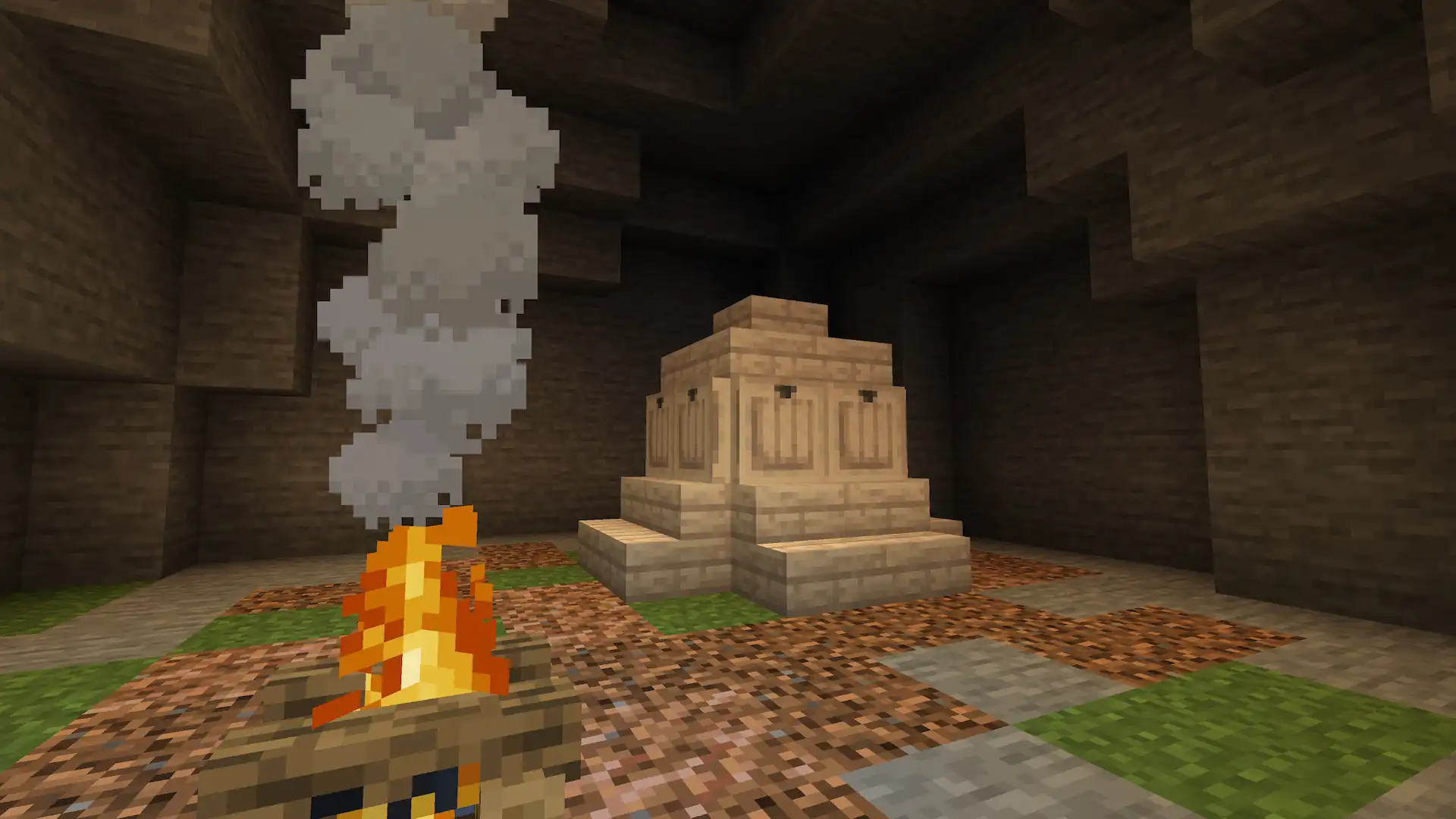
Nestled within these walls awaits a hidden secret... More on that further down.
The world download is completely free and available at the bottom of this post!
Overview
Full Build
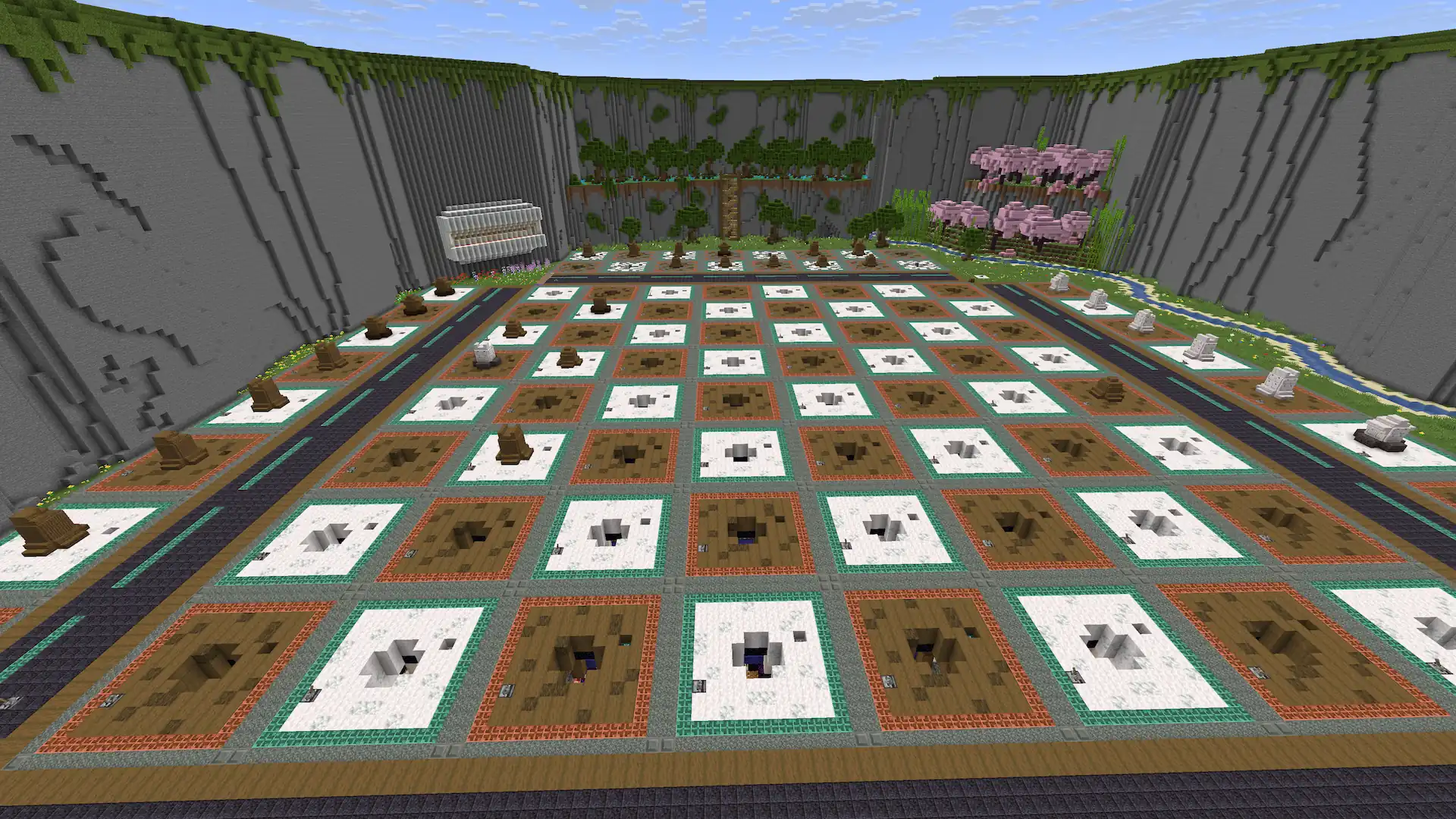
The valley wraps around the board on all sides, giving spectators natural elevated vantage points to watch a match unfold. Every angle was considered — this is a world designed to be experienced not just played.
Technical
How It Works
Chess Valley runs entirely on vanilla Minecraft — no mods, no plugins, no external tools. The board is built on the concept of alternating flying machines pushing and pulling the chess pieces from one location to another. This is required, since a 4 wide chess piece exceeds the push limit for even a 2 wide flying machine.
This means that there are tunnels underneath the entire board, to allow these flying machines to travel from any tile to any other selected tile. If you perform a diagonal move then the board will first move the chess piece from left to right, into the final column you are moving to, and then it will bring the piece forward or back depending on it's final location.
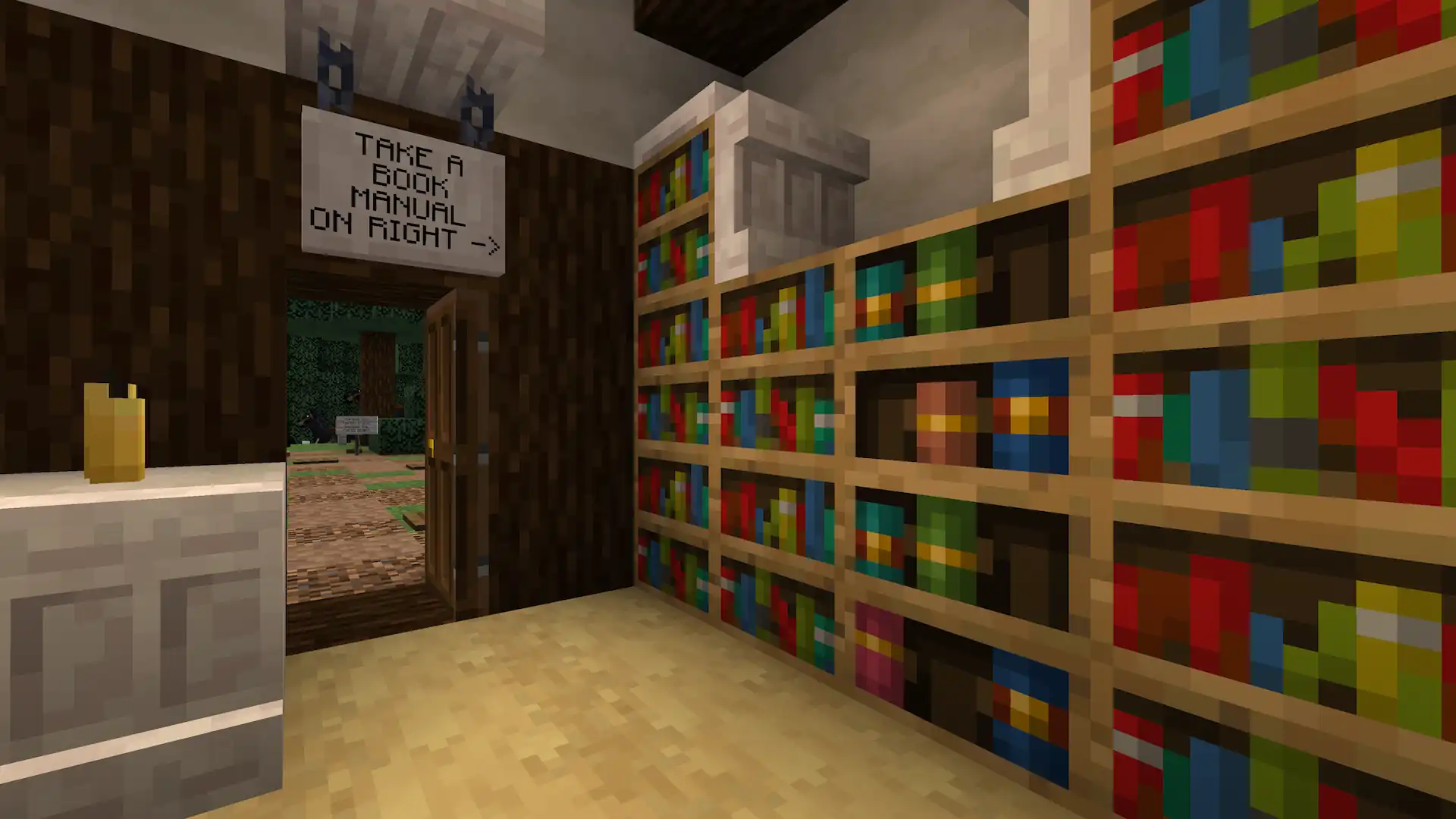
A full manual is available at the world's spawn point. It covers the complete rule set, edge cases, and tips for getting the most out of the system.
Gameplay
How To Play
Moving Pieces
Before doing anything, it is best to set your tick rate as high as possible, using the command: "/tick rate xx". I recommend x16 speed or x32 speed, which is "/tick rate 320" and "/tick rate 640". It also helps to have the leaves graphics set to "fast", since this build has tons of leaves underneath it.
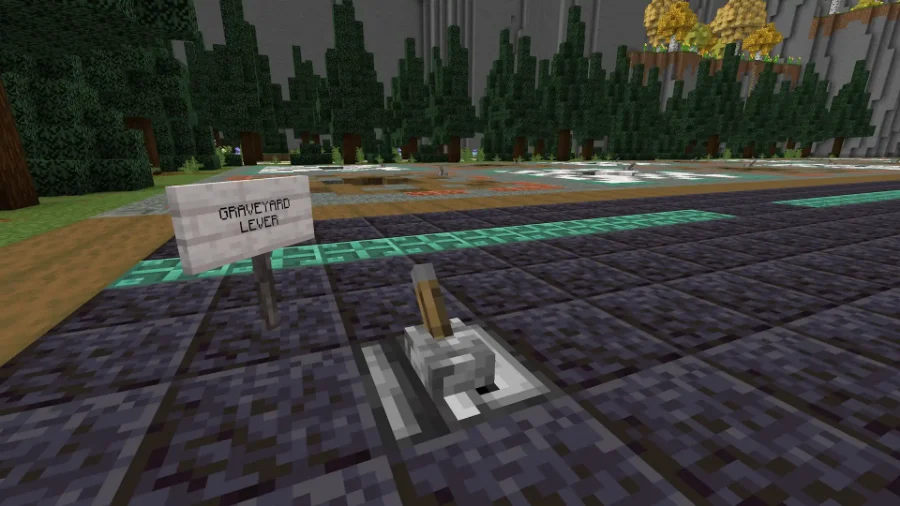
To move a piece, you must first pull the lever on the tile of the piece you are attempting to move. Once the tile lights up, you then pull the lever of the tile you want it to move to. The tile you are moving to must be an EMPTY tile, otherwise the game will break.
Billboards
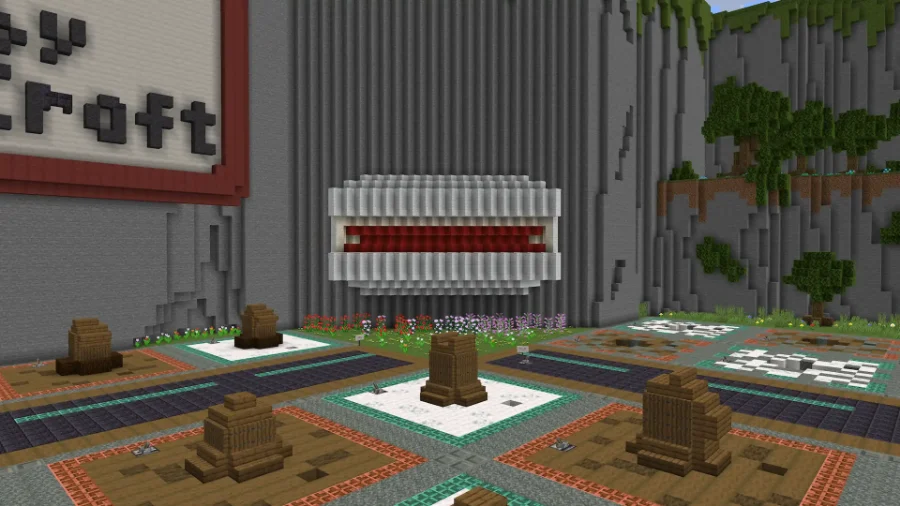
At the North-East side of the board stands a large white billboard that give you live feedback as you play. While a chess piece is actively moving the billboard will display a red line. Meaning no furhter action can currently be taken. If you attempt to pull a lever at this time, nothing will happen
While the billboard is not displaying red, then you are free to pull levers and move pieces.
Graveyard
Every piece captured during the game is recorded in the Graveyard — a dedicated space behind each end of the board that displays every fallen piece for both players to see. It serves as both a visual scoreboard and a reminder of the material balance.
The Graveyard can be opened and closed at any time without affecting the game state. Use it to track captures, assess material advantage, or simply admire the carnage.
To capture a piece you:
First -- pull the indented lever found on each tile, this does not cause the lights to turn on, to add a temporary indicator of your intended move.
Secondly -- open the graveyard behind your opponent, since you are taking their piece
Thirdly -- move the captured piece into the graveyard
Fourthly -- CLOSE the graveyard
Fifthly -- move YOUR piece onto the tile you just captured and turn off the temporary markers
Promotions
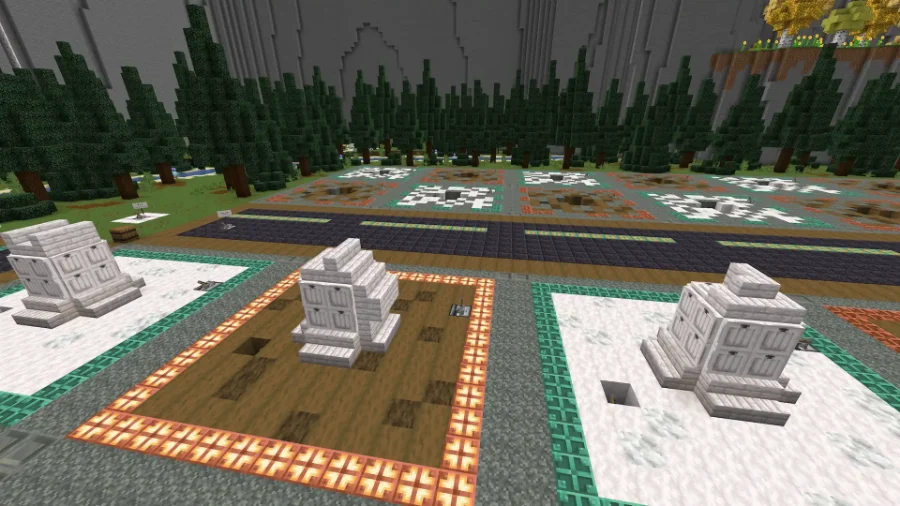
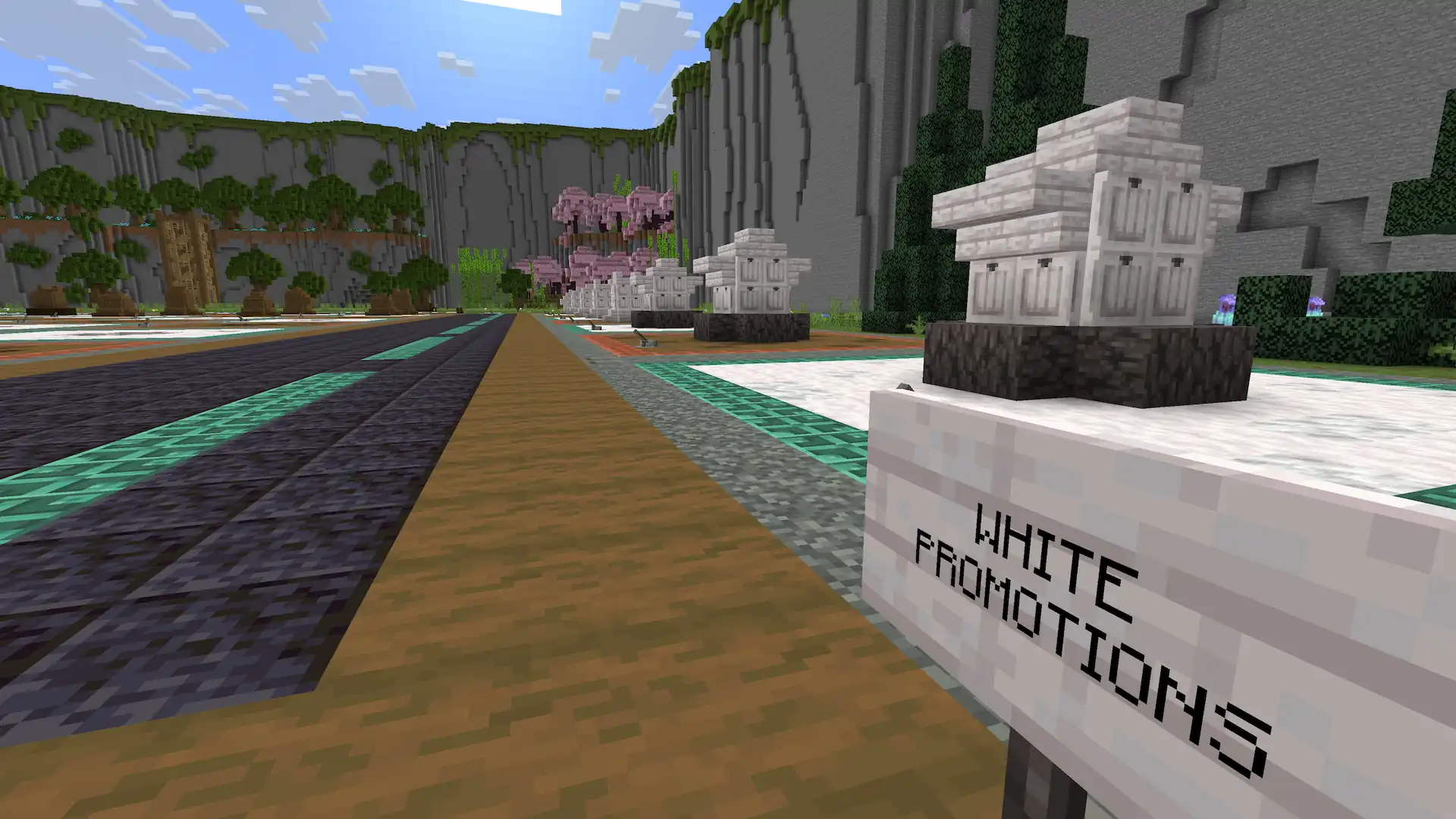
If you get one of your pawns to the end of the board, there is the possibility to promote it to a Queen, Rook, or Bishop.
To move pieces in and out of the promotions you must open and close the promotions, similar to how you open and close the graveyard.
Also On Video
The Casual Playthrough
The video at the top of this page is the technical showcase — how the board was engineered and why it works the way it does. This one is the other half: a relaxed walkthrough of the finished build, playing a game on it rather than pulling it apart.
If you came here to see Minecraft chess actually being played, start with this one.
Minecraft Chess Showcase — a casual playthrough of the finished valley.
Free World Download
Chess Valley
The complete Chess Valley world save — functional chess engine, sculpted valley, in-world manual, and all six hidden pieces included. No mods or resource packs required. Pure vanilla.
Minecraft Version
1.21.10
Optional — Support the Creator
Enjoying the build?
You've already got the world — it's free, and it stays free. Nothing below is required to download or play it. If you'd like to support future projects, each tier comes with a permanent thank-you built into the work itself.
Community
Download and explore the full world at no cost, forever. No strings attached.
Already Free ↑Supporter
Your name credited at the end of all related YouTube videos.
Choose This Tier →Patron
A named sign placed inside future world downloads as a permanent thank-you.
Choose This Tier →Champion
A small statue or named mob in your honor built into future world downloads.
Choose This Tier →Monthly tier via Patreon. One-time tiers processed securely via Stripe.